
These laptops have been configured with Deep Freeze, which will restore the machine to its preset state upon restart.
Exam users should be monitored while using these devices.
If changes are required, please raise a support ticket.
This guide will be updated based on feedback. Please contact IT for any updates.
Preparing the Laptop
Since the laptop resets after every reboot, it is important to prepare in advance. The laptop has admin permissions to ensure that software can be installed.
Supported Exam Applications
Secure Client
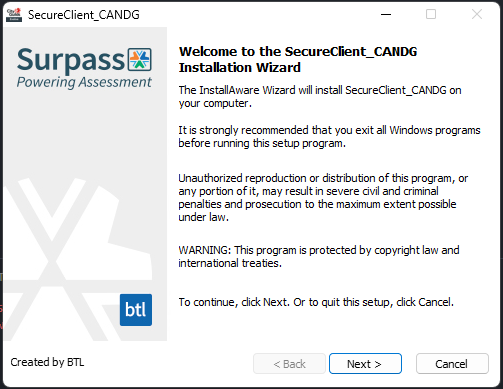
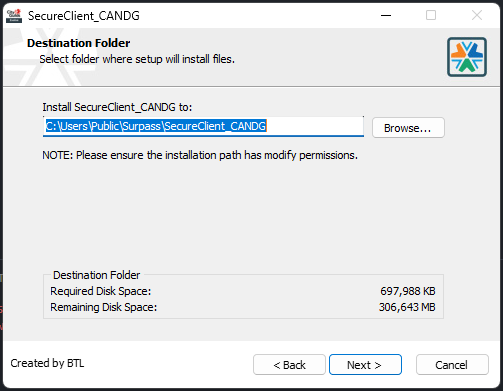
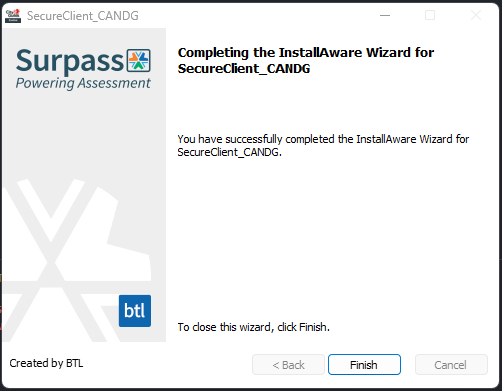
Run the installer. The installation window will load as shown below.
PearsonVUE (OnVue Client)
No installation required, click and run the above link and the application will run.